Bulk Importing & Updating
You can bulk create new accounts and bulk update existing ones using spreadsheets saved as .CSV (comma separated values) files.
Accounts were formerly called "Productions"
Getting Started
First, go to your Accounts List, click on the down caret button next to "New Account" and select Import Accounts from the dropdown menu:
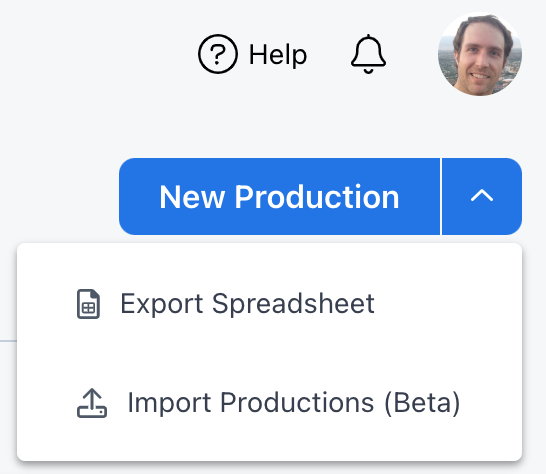
This will take you to the Import Accounts page where you will "Choose your Import Method."
Account names must be unique and at least two characters long.
Create Accounts
Select Create Accounts if your spreadsheet contains new accounts only.
Upsert Accounts
Select Upsert Accounts if your spreadsheet contains new and existing accounts. This tool uses the account name column in your spreadsheet to determine if an item exists or not; if an account in the spreadsheet is not found in your accounts list, then it will be created. Otherwise that item's information will be updated using columns/fields that you manually select.