Billing
Accounts were formerly called "Productions"
The account's Billing tab contains billing information that will propagate to new orders and invoices. We'll discuss each of these form fields in turn.
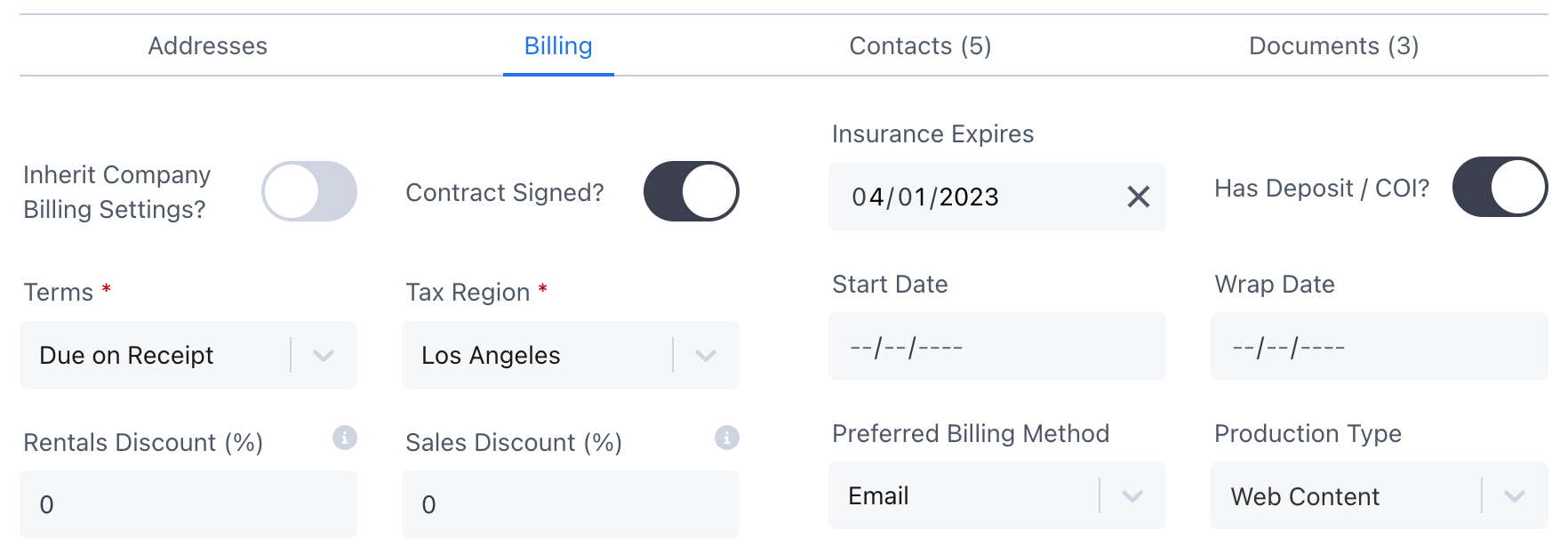
Inherit Company Billing Settings?
An account will inherit billing information from its parent company if this is enabled.
If a major studio negotiates a rental agreement with you that applies to all of their accounts and wants to use the same COI, terms, discounts, etc., you'd turn this on. Otherwise, enabling this setting is rare.
See Company Inheritance for more details.
Contract Signed? Has Deposit / COI?
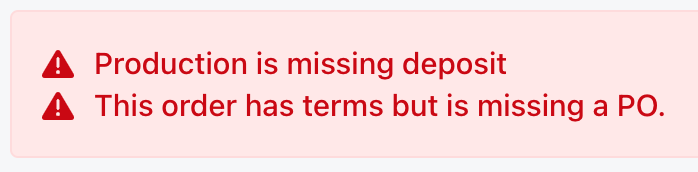
Did the customer sign your rental agreement or provide a deposit or COI (certificate of insurance)? If not, the account and orders will display a red alert.
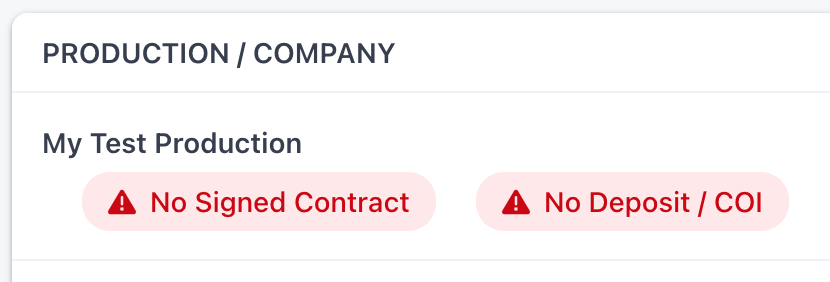
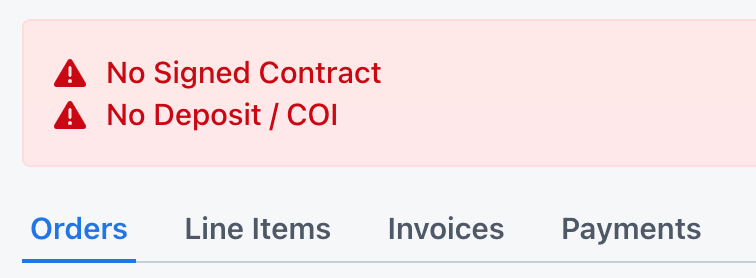
Use Account Applications to collect your rental agreement and COI from your customers.
Insurance Expires
The expiration date of the COI. If today's date is after the COI, the account and orders will display a red alert.
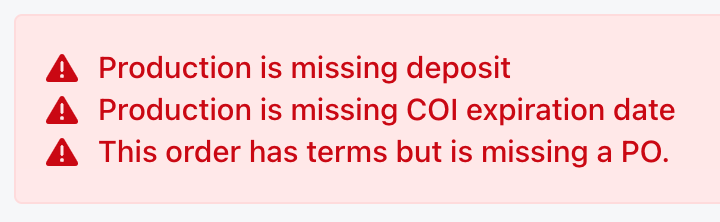
Enable Is COI expiration date required? in your Account Settings to get an extra red alert if the Has Deposit / COI? toggle is enabled but the Insurance Expires date is missing.

Terms
The invoice payment terms.
Due on Receipt is the same as "COD" , "Cash on Delivery" or "Collect on Delivery". You're asking the customer to pay the invoice on or before pickup or delivery. Typically these are credit card payments.
Net 15, Net 30, and Net 60 are used when the account has these many days to pay once they receive the invoice.
Enable automatic invoice reminders to be sent 7 days before the invoice due date, on the due date and every 7 days after it for open and overdue invoices.
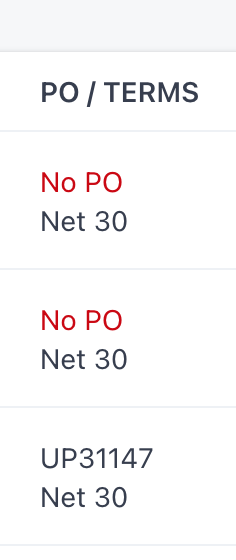
If an order or invoice is on Net X terms and has no PO, a red alert will appear on the Orders List and order detail page.
Tax Region
The tax region or jurisdiction that determines the default sales tax rate for orders associated with this account.
You can add or edit your Tax Regions and Default Tax Region in your Account Settings.
Rentals Discount & Sales Discount
Default discounts to be applied to all new orders created for this account. Can be overridden at the order level.
Start Date & Wrap Date
When the account starts and wraps.
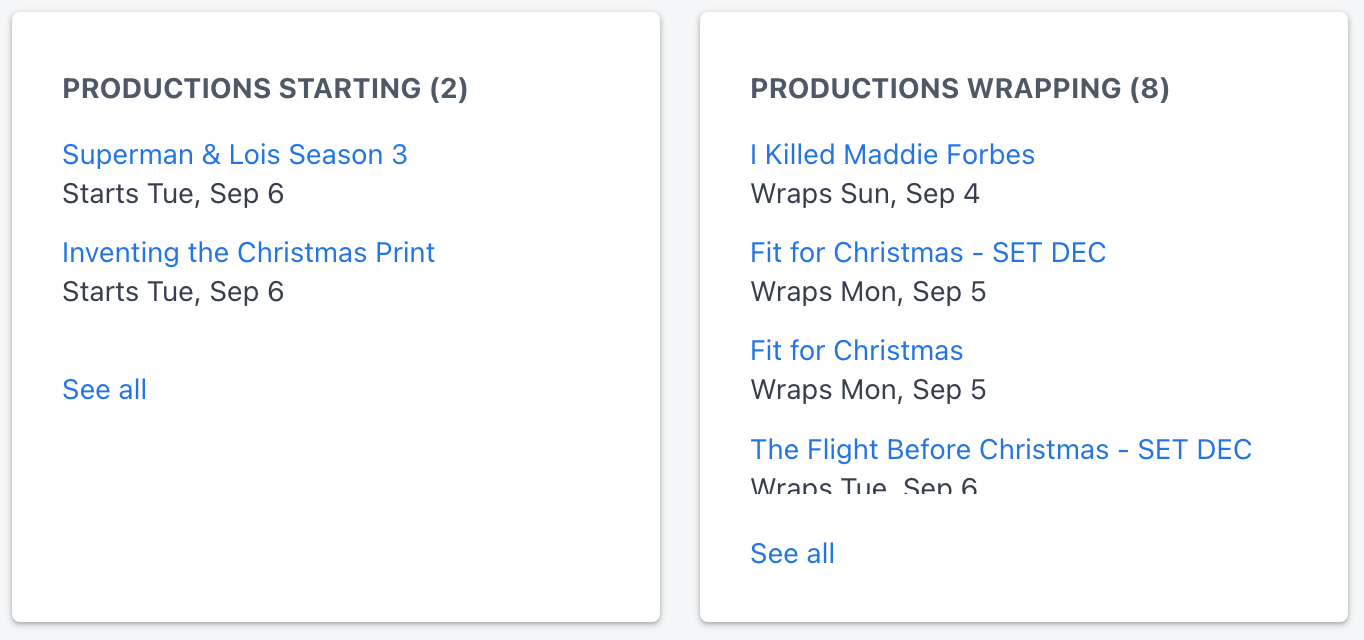
If set, you'll get lists on your Dashboard Home page notifying which accounts are starting and wrapping the upcoming week, which may help you forecast your workload.
Also, the wrap date is useful when an account is late on payment and wrapping soon.
You can also filter and sort by Start and Wrap Dates on your Accounts List.

Preferred Billing Method
Defaults to Email, but apparently some production accountants still want to be mailed their invoice. ¯\_(ツ)_/¯
Account Type
Options include Commercial, Event, Feature Film, MOW (movie of the week), Photoshoot, Pilot, Staging, Student Project, TV Series, Web Content, or Other.
This helps you gauge the size of the account and what kind of terms you'd want to offer.